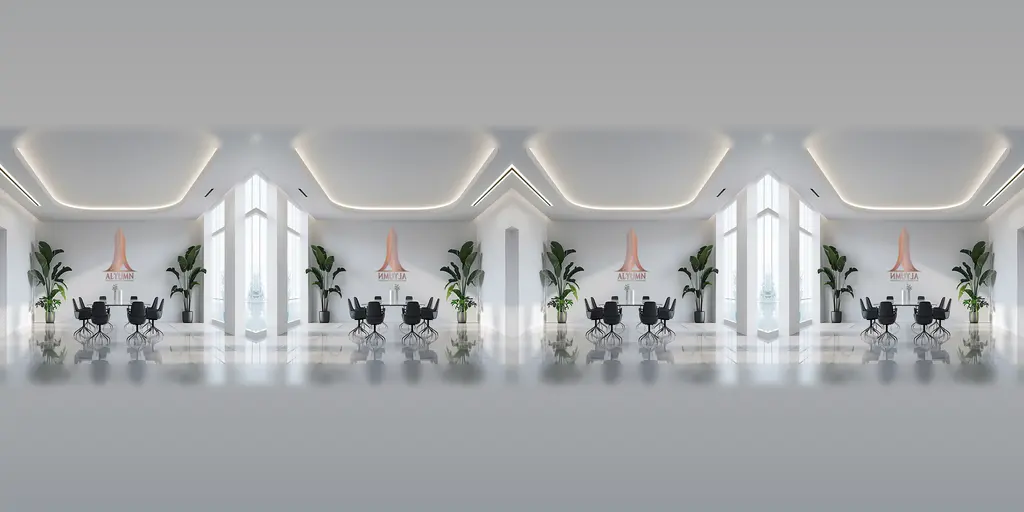
360° Tours
Step inside our projects — from wherever you are
Every tour here is a genuine 360° panorama captured inside one of our projects. Tap any image, then drag with a finger or the mouse to look around, and zoom in for detail — from your phone or your desktop.
How the tour works
- 1 Tap or click the image The tour opens full-screen
- 2 Drag to look around A finger on the phone, the mouse on a desktop
- 3 Zoom for detail Pinch on the phone, scroll on a desktop
2 tours available